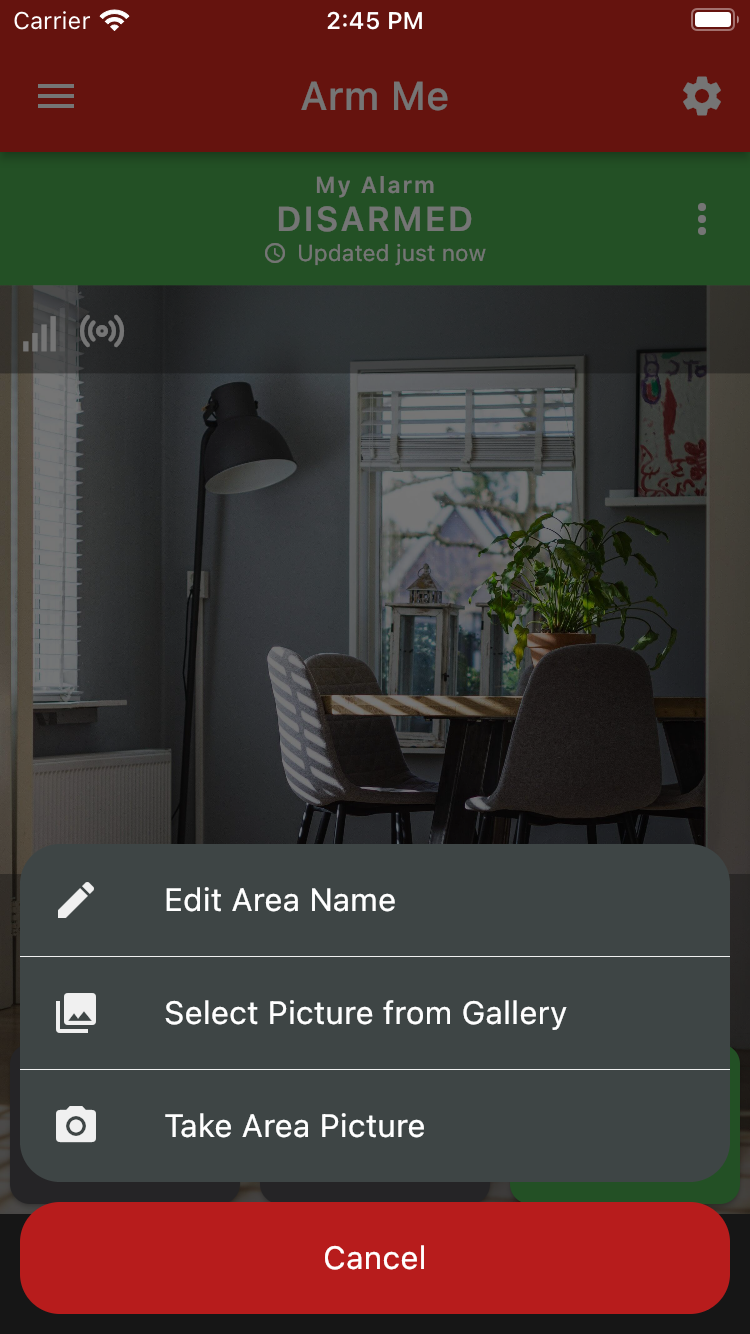
You can change the default area name or image by clicking the three dot menu on the partition screen and selecting the option that applies.
Was this article helpful?
That’s Great!
Thank you for your feedback
Sorry! We couldn't be helpful
Thank you for your feedback
Feedback sent
We appreciate your effort and will try to fix the article