Customise Area Name and Image
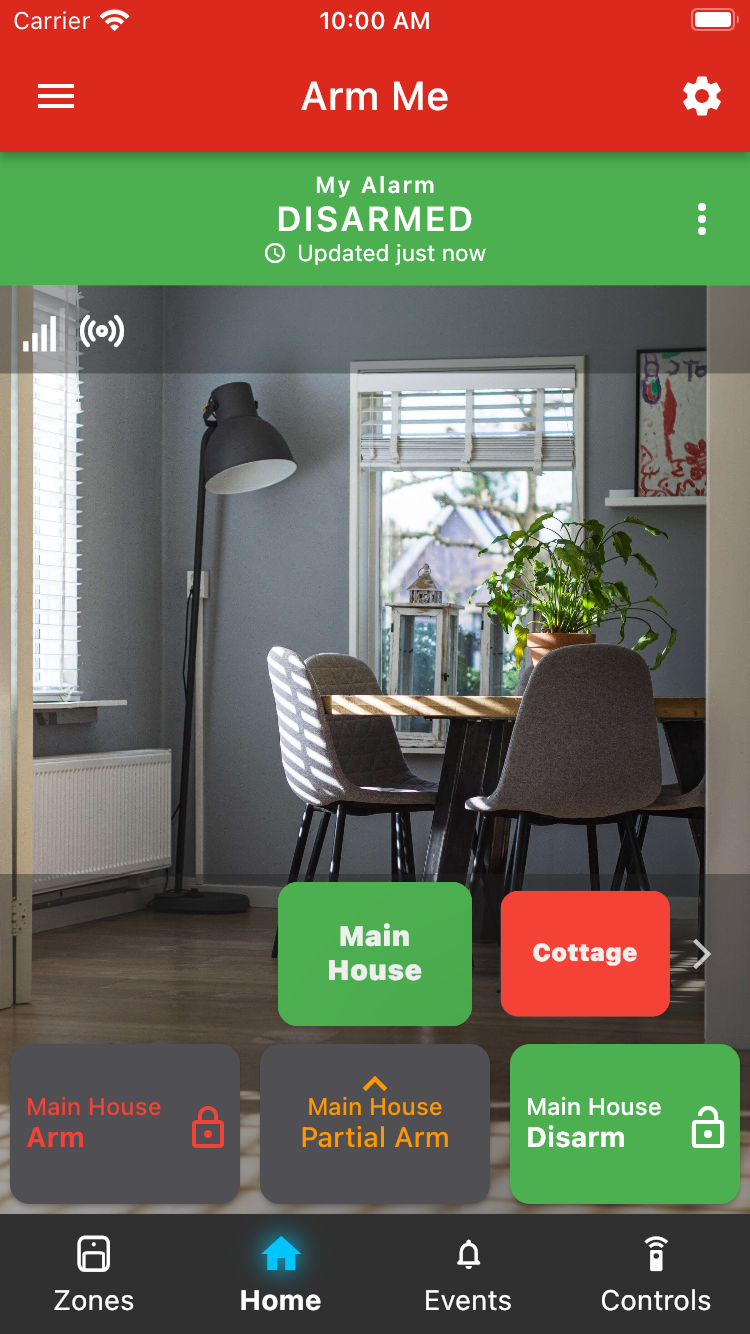
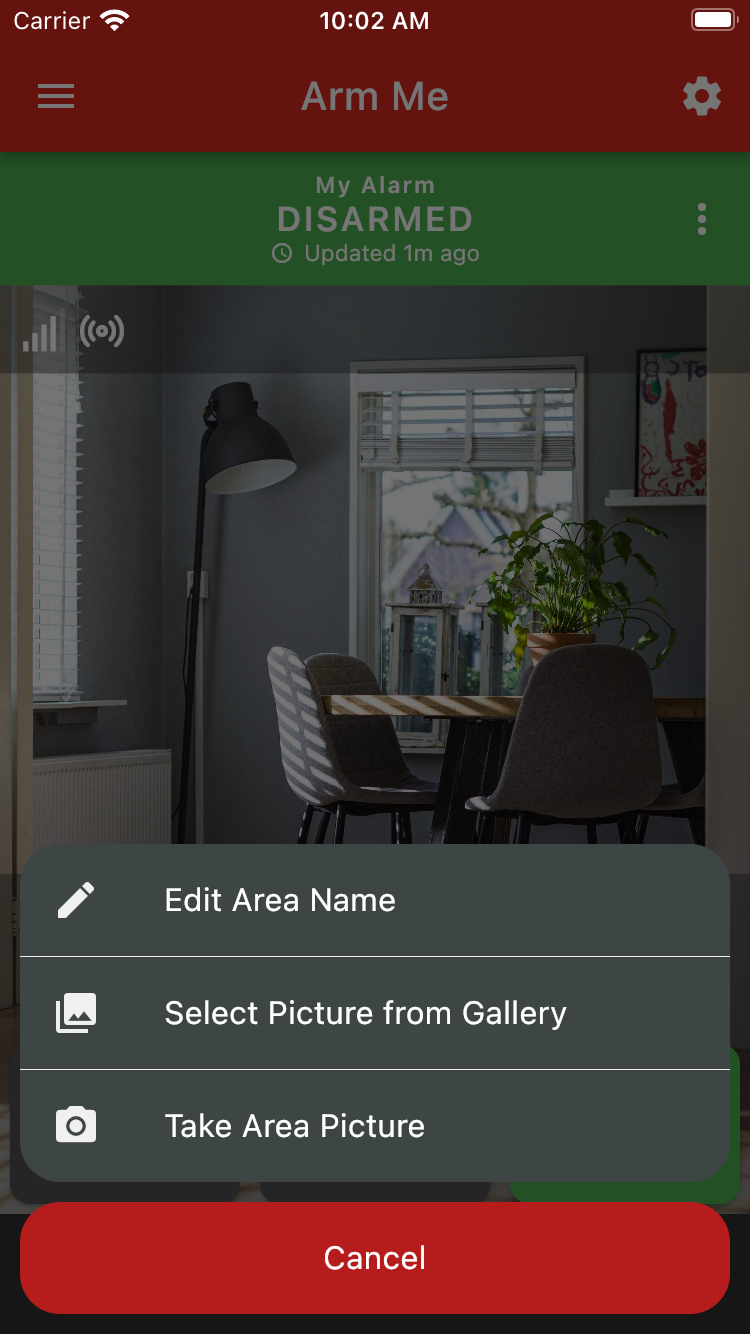
To change your area's name or image, press on the vertical three dots on the Area (Home) screen.
Choose your intended menu item, and follow the instructions on screen.
Each area's settings can be set independently.
Was this article helpful?
That’s Great!
Thank you for your feedback
Sorry! We couldn't be helpful
Thank you for your feedback
Feedback sent
We appreciate your effort and will try to fix the article