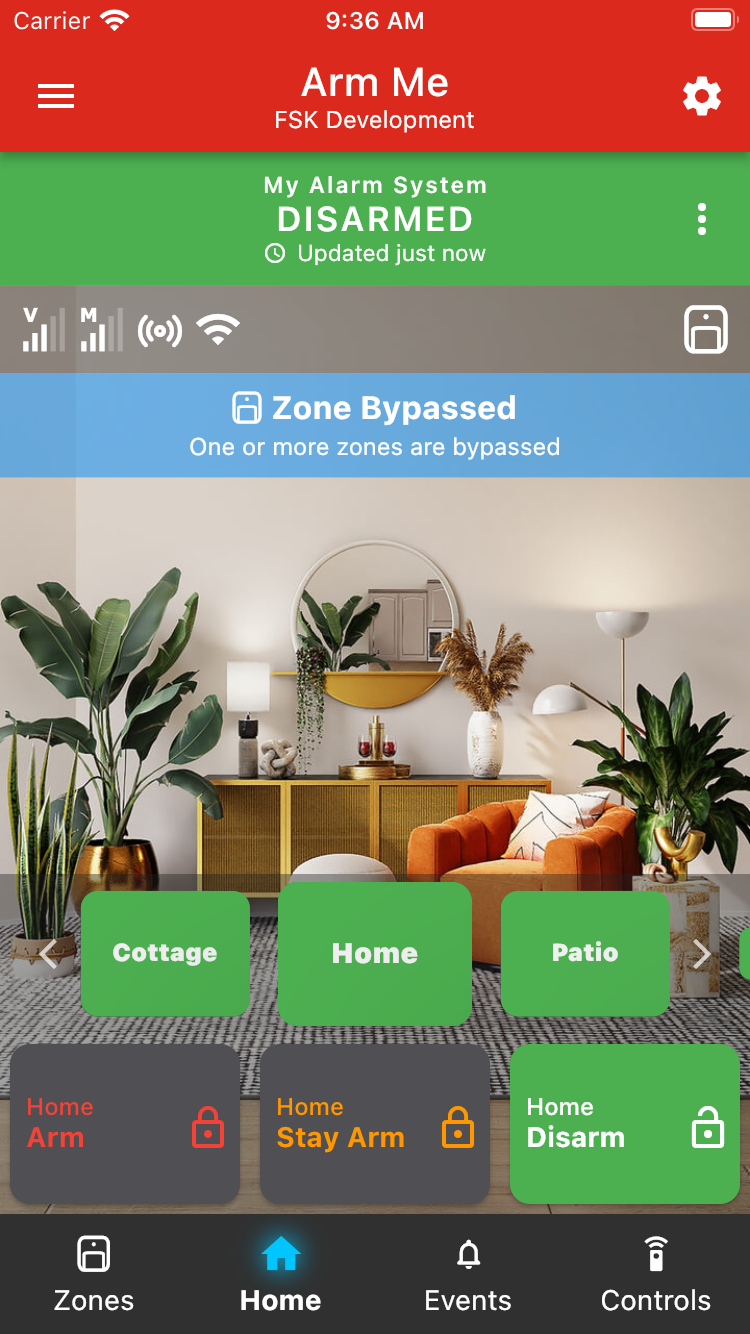
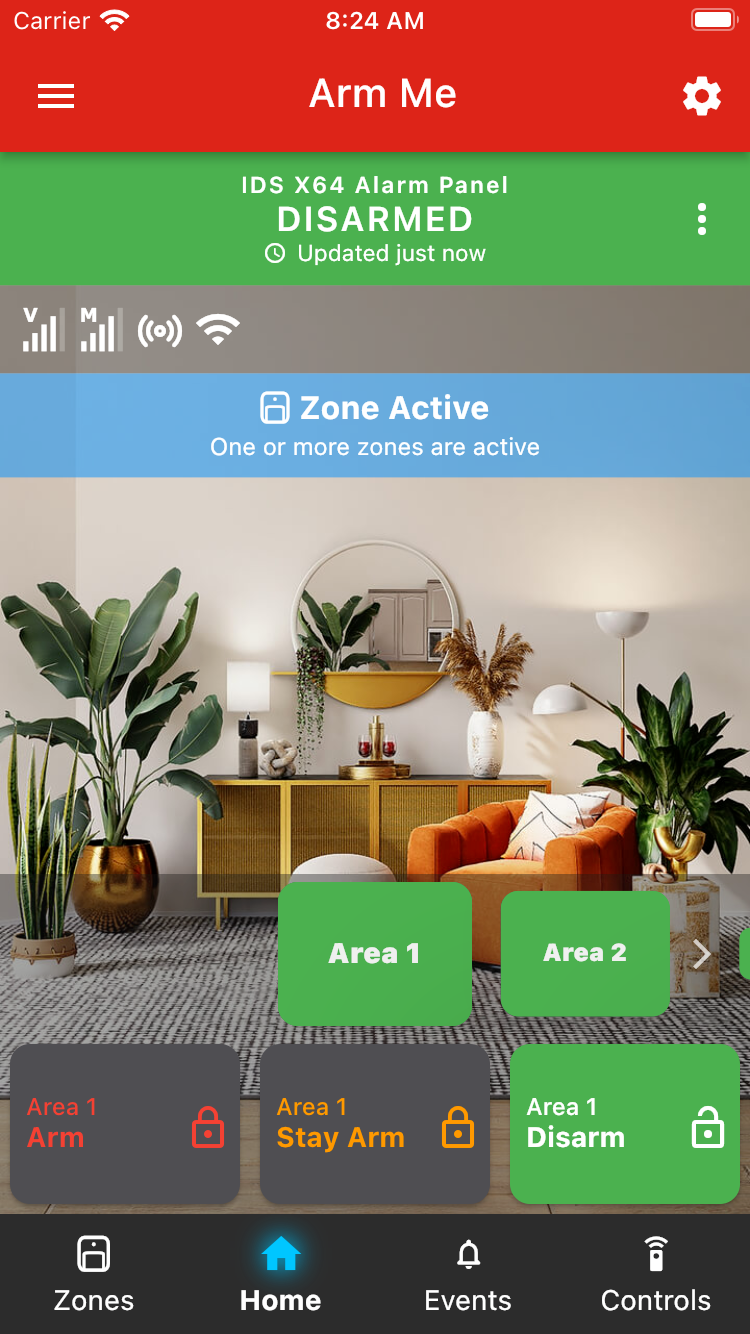
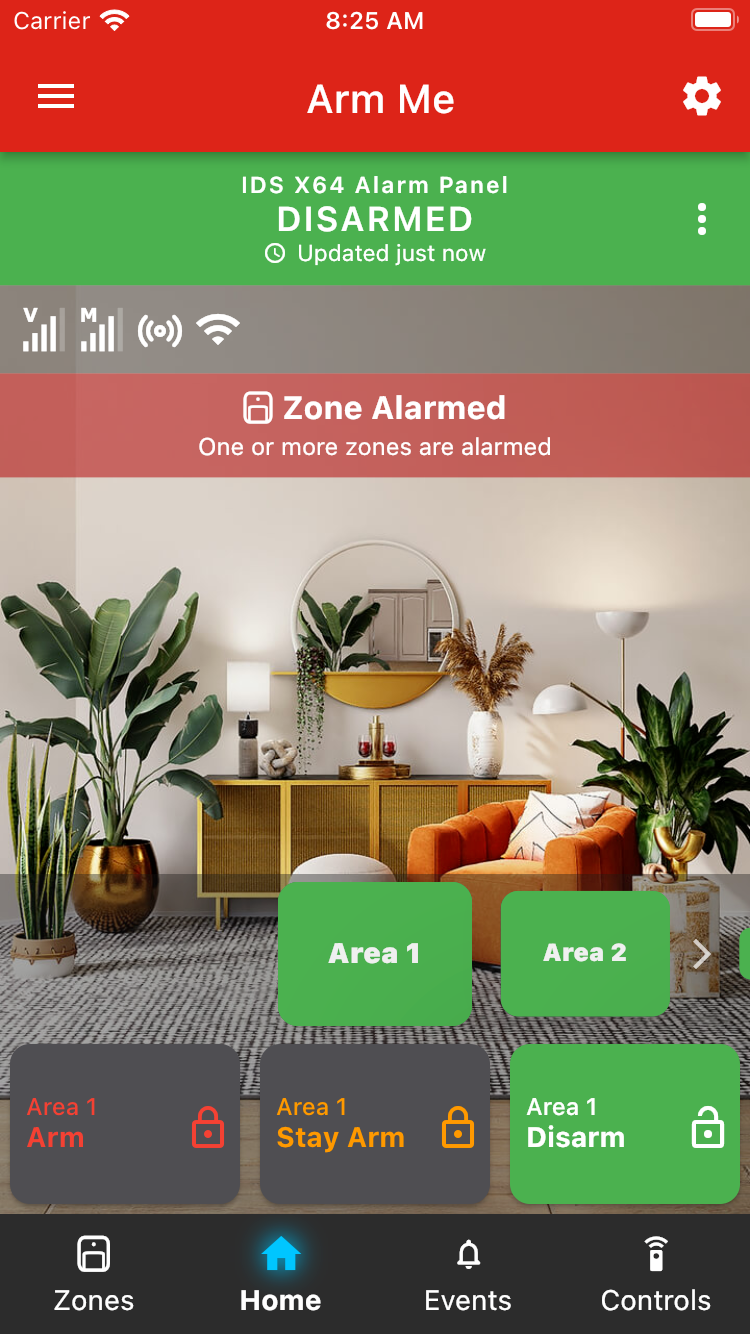
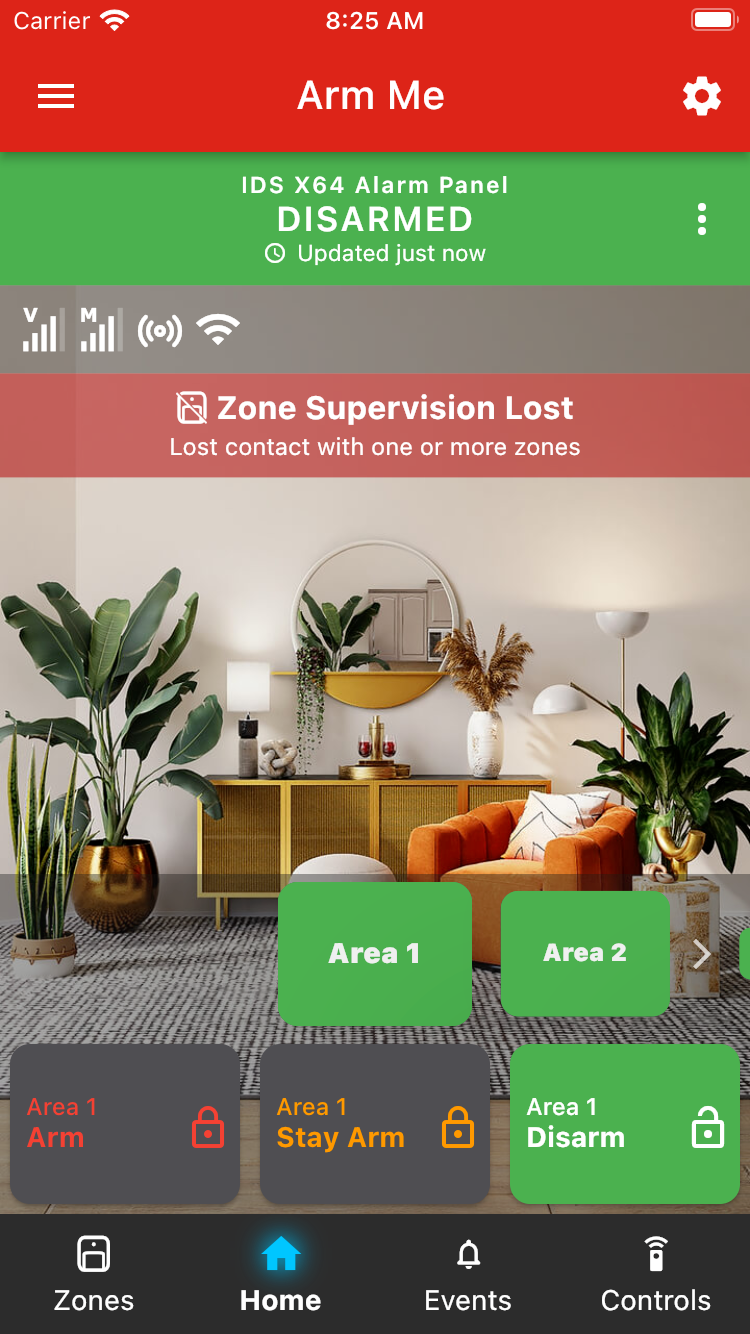
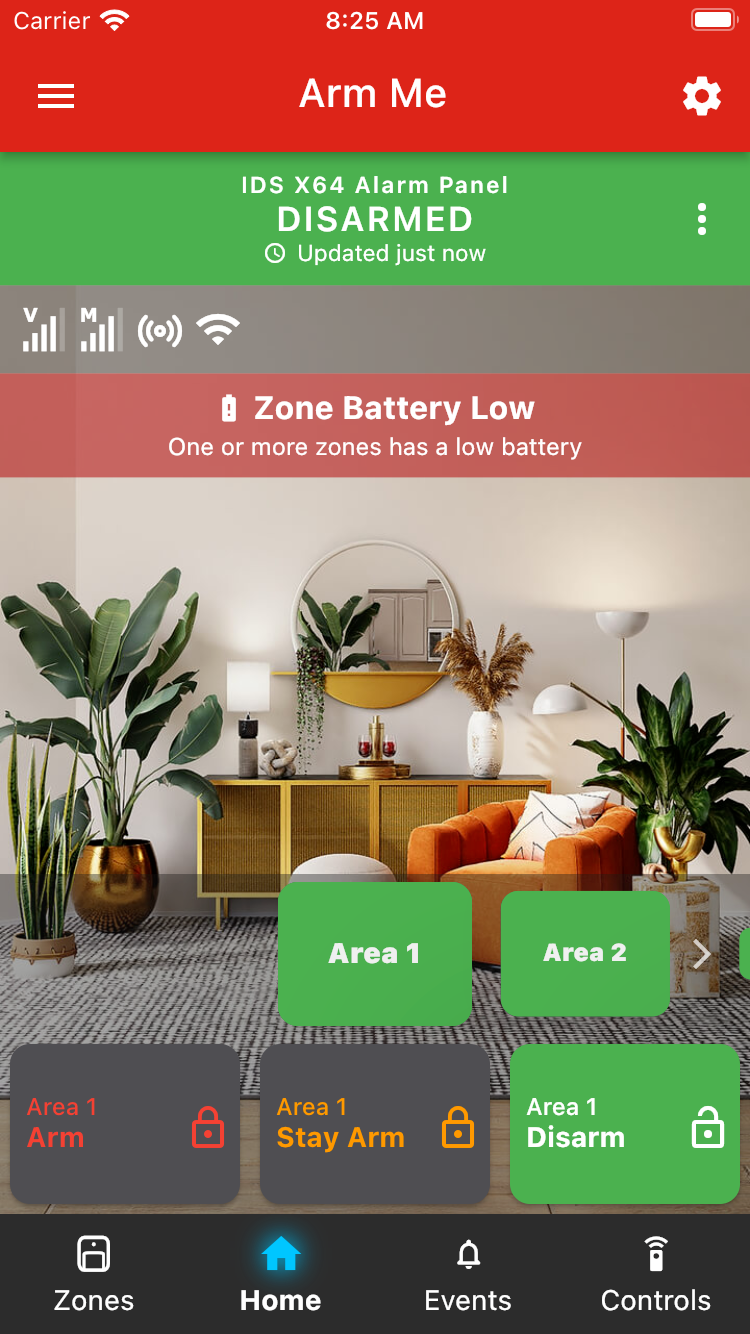
From the home tab, you can now see, at a glance, important information about your panel. From the top-down, under the green arm status bar, the items are as follows:
1. Connectivity bar - Here you can see your device's GSM (cellular) signal strength, whether your app is connected to your device, and if Wi-Fi is connected. Tap the icons for further information.
2. Information banner - here important panel, area and zone information and warnings will be displayed depending on the state of your panel. If there are multiple banners to display, they will cycle one at a time, with their icons stacking up on the right side of the connectivity bar.
The following banners are available:
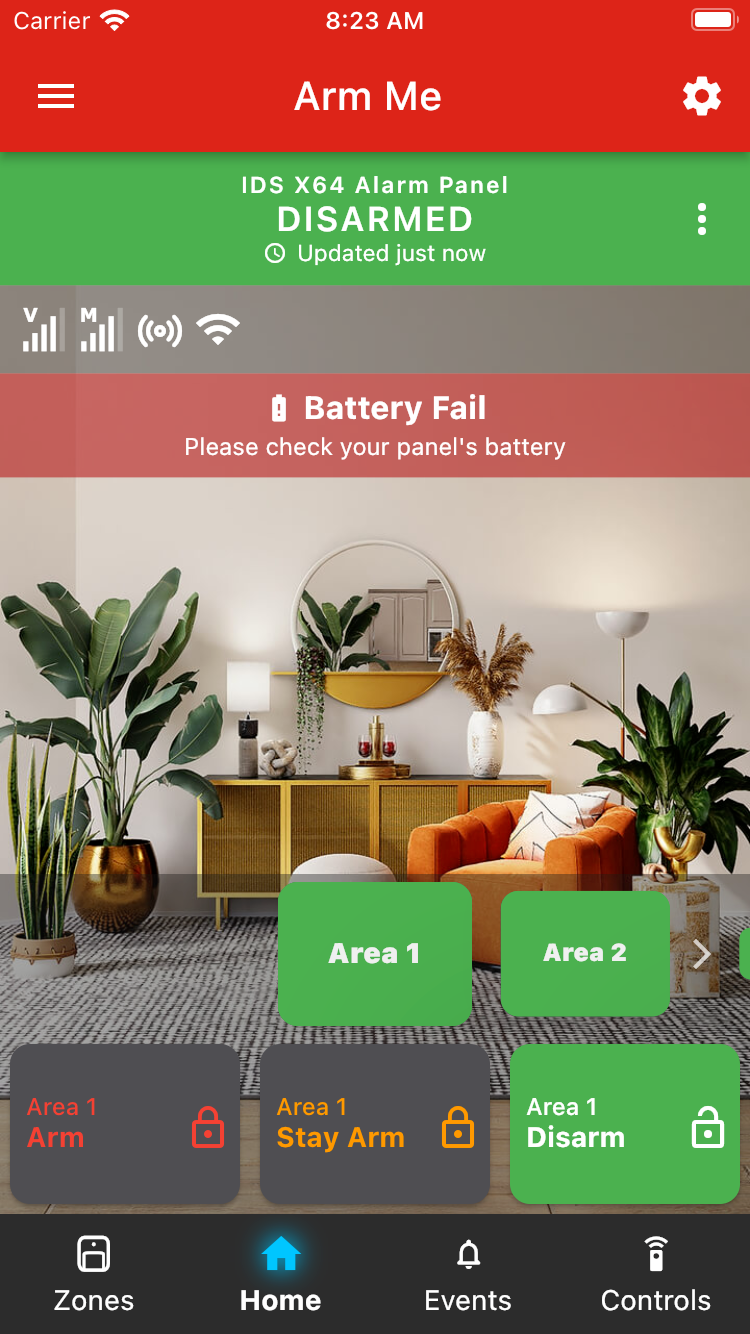
Battery Failure
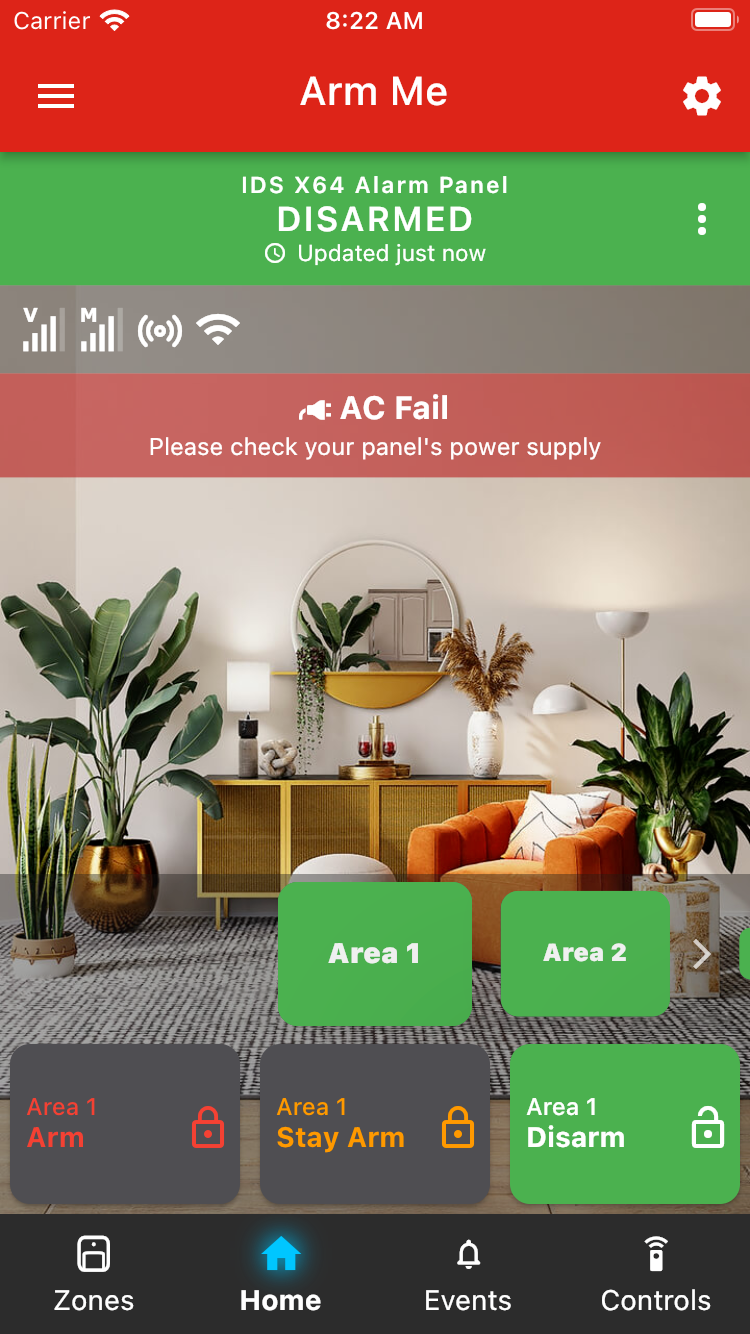
AC Fail
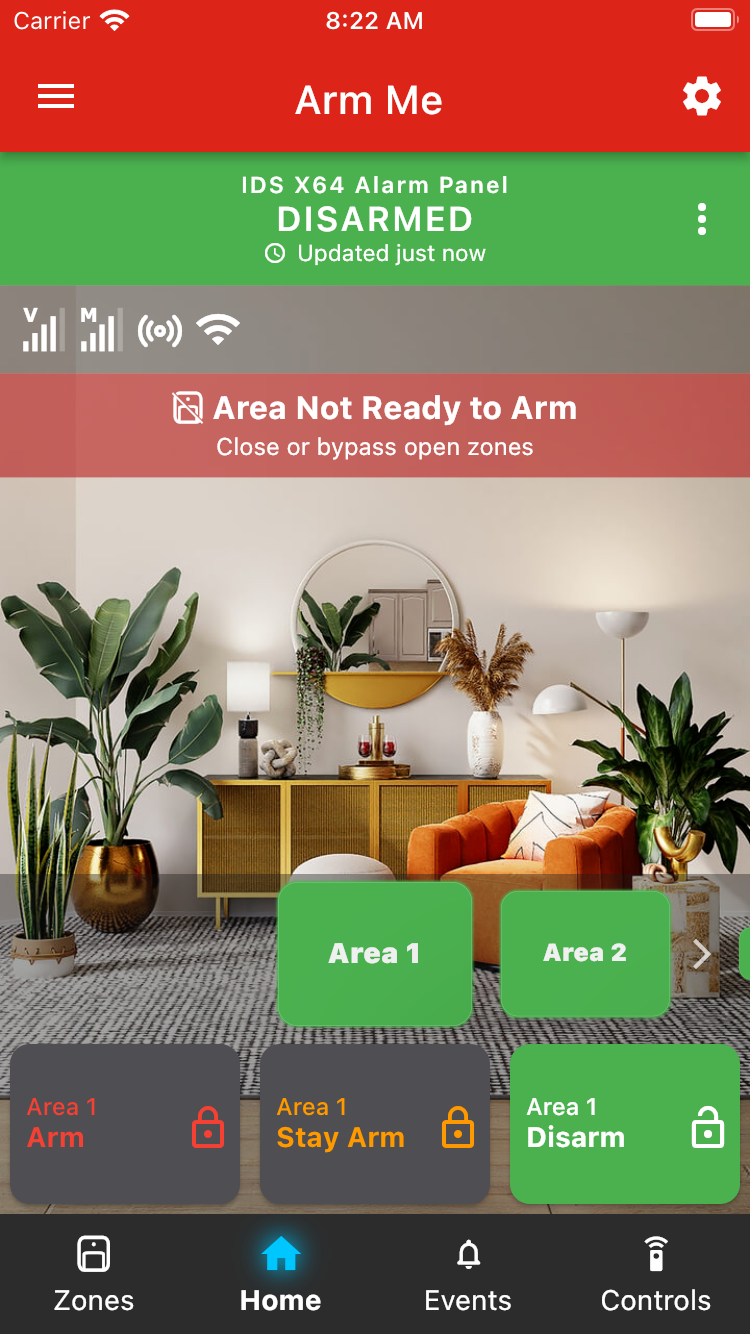
Not Ready
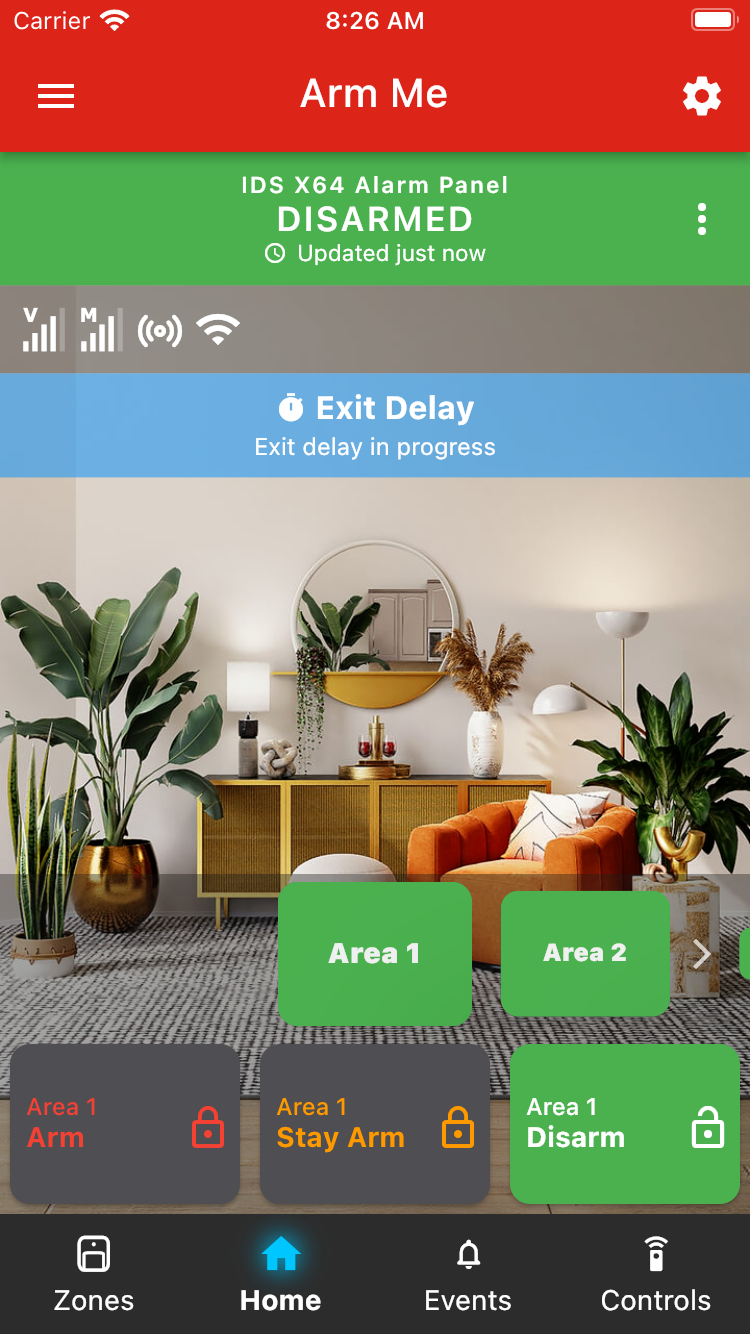
Exit Delay
Zone Bypassed
Zone Active
Zone Alarmed
Zone Supervision Lost
Zone Battery Low
Was this article helpful?
That’s Great!
Thank you for your feedback
Sorry! We couldn't be helpful
Thank you for your feedback
Feedback sent
We appreciate your effort and will try to fix the article