Open Panel Settings by tapping the gear icon in the top-right corner of the screen. From there, open Technical Information and tap Panel Information.
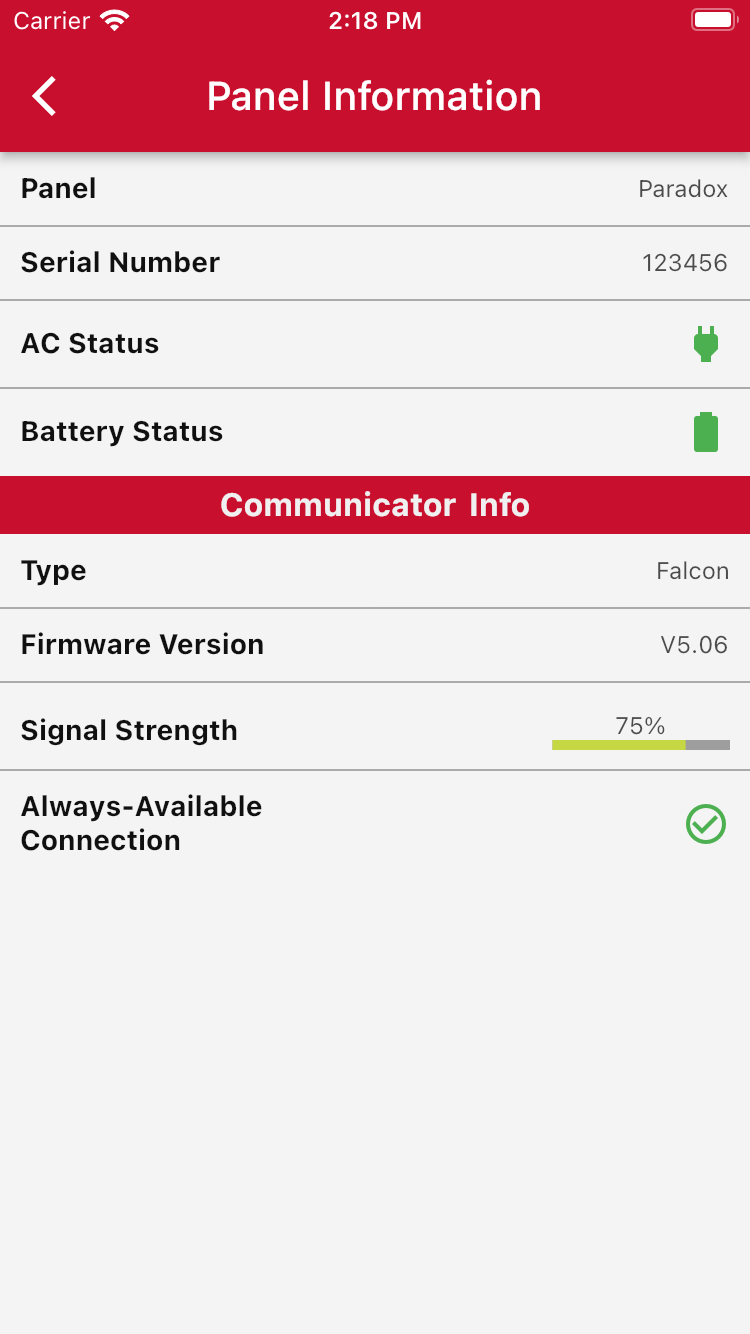
Here, you can see various information about your panel.
If the AC status or battery status icon turns is red, there may be a problem with your AC supply or your battery.
Was this article helpful?
That’s Great!
Thank you for your feedback
Sorry! We couldn't be helpful
Thank you for your feedback
Feedback sent
We appreciate your effort and will try to fix the article