Your alarm system's communicator runs on specially designed firmware to ensure optimal performance. The firmware may receive updates as our engineers continually improve upon the communicator's operations.
If an update is available, the below pop-up may appear. The update can be initiated by tapping "YES" or ignored by tapping "LATER".
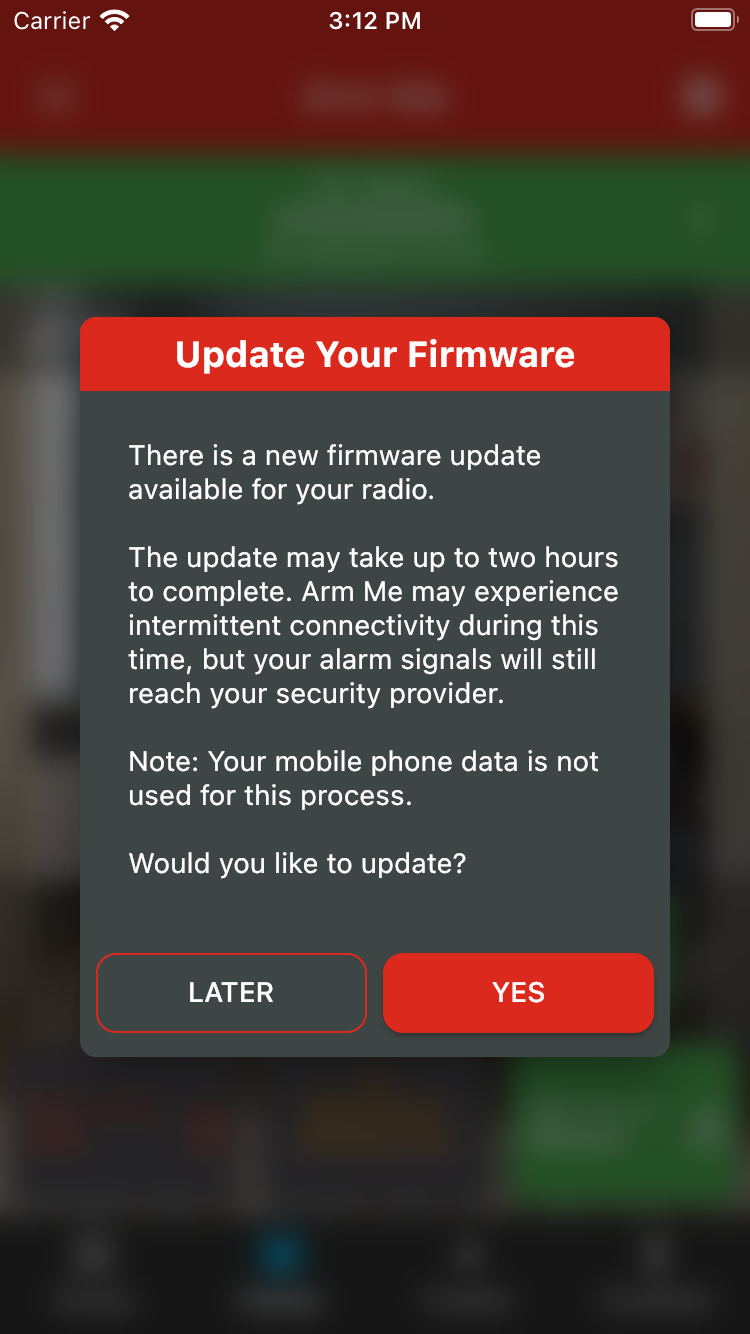
The update may take up to two hours to complete. Please note that you may experience some intermittent app connectivity while the update is in progress. Alarm signals sent to your security provider will not be affected.
You can also view your communicator's firmware version from the Panel Info screen.
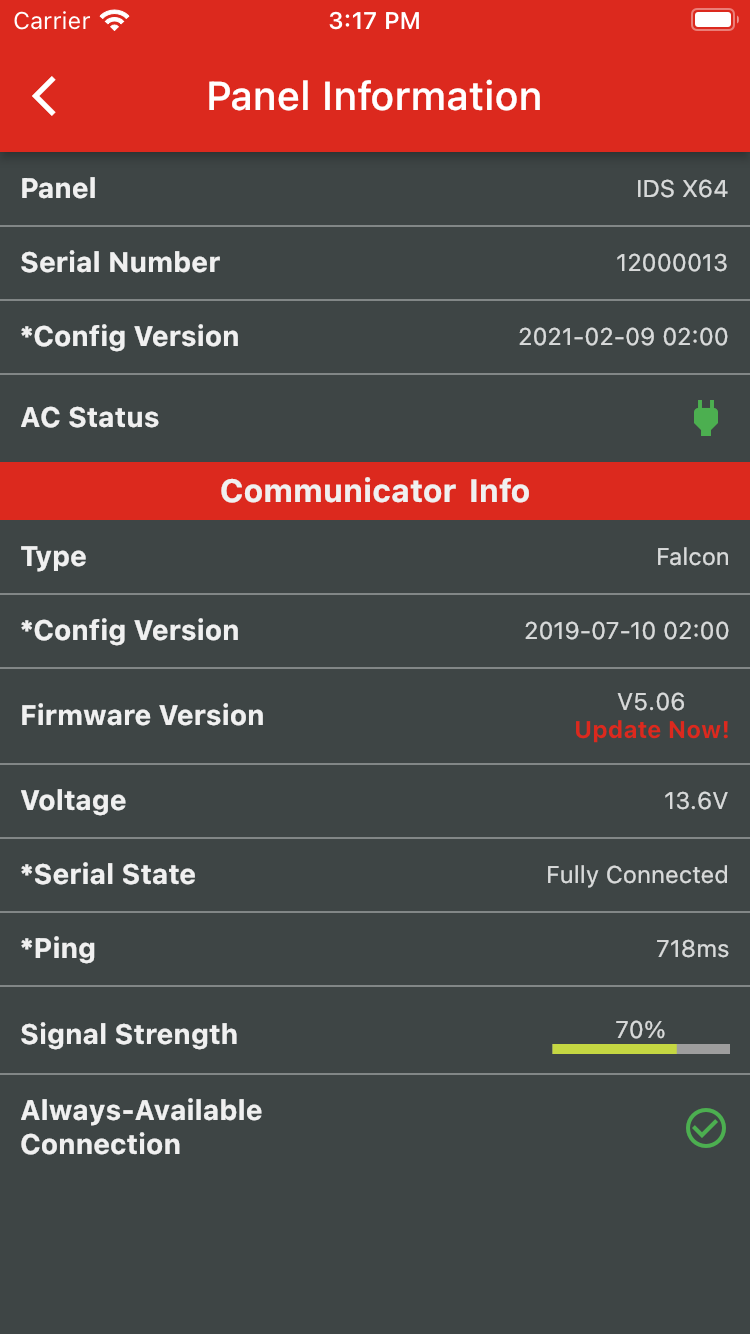
The app will automatically check if there are any updates available. If there are, the "Update Now!" text will appear beneath the Firmware Version. To initiate the update, tap on the "Update Now!" text.
Was this article helpful?
That’s Great!
Thank you for your feedback
Sorry! We couldn't be helpful
Thank you for your feedback
Feedback sent
We appreciate your effort and will try to fix the article