Event Log
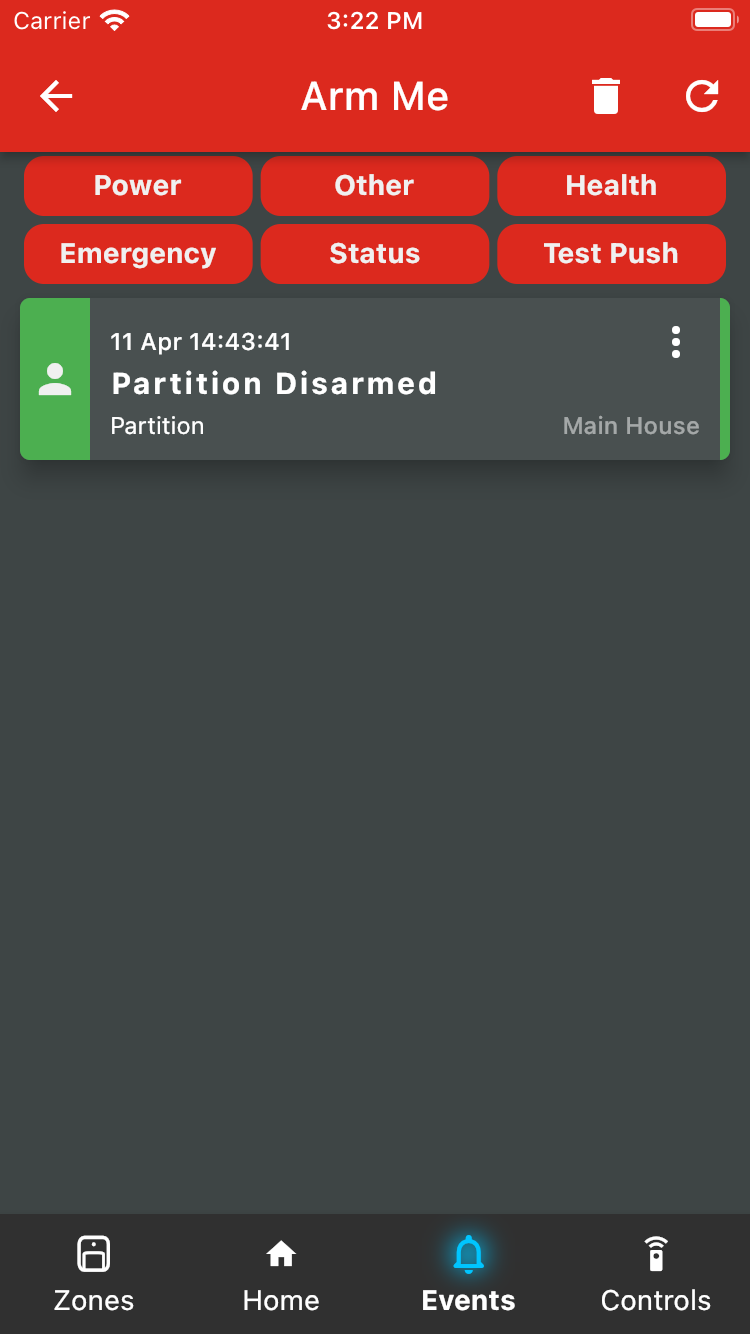
To see all the events that have happened on your alarm system, go to the Events tab. Here, you will see events ordered by the time they occurred. Use the buttons on top of the list to filter the list to only those that you want to see.
Coloured notifications indicate actions that took place on your app, such as pressing the arm or disarm buttons. Grey notifications are notifications that have been received
To delete an entry in the log, long press the notification, or tap on the three vertical dots.
Was this article helpful?
That’s Great!
Thank you for your feedback
Sorry! We couldn't be helpful
Thank you for your feedback
Feedback sent
We appreciate your effort and will try to fix the article