Introduction
If your notification tones are not playing when you receive app notifications, such as the alarm siren when your alarm system has been triggered, please follow the following steps to ensure that your notification settings are correct.
Android
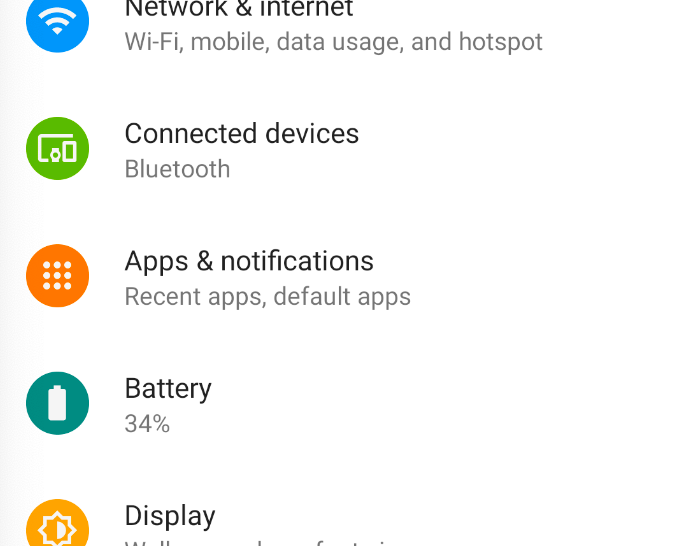
For android devices go to your device's app settings. This will be found in 'Settings' under 'Apps' or 'Manage Apps'
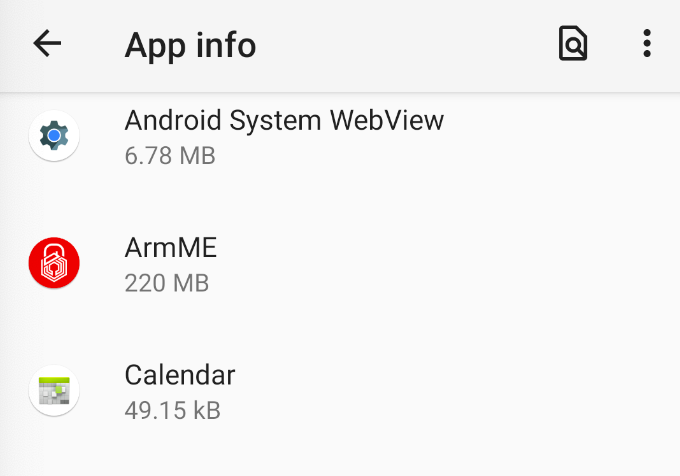
Search for and select ArmME
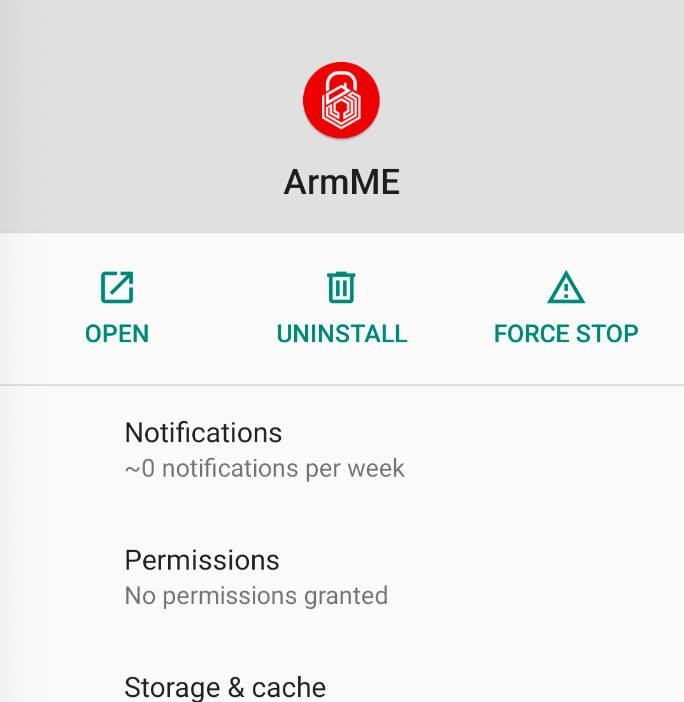
Open the notification setting
Enable notifications, and enable the notification setting to play sounds (and vibrations).
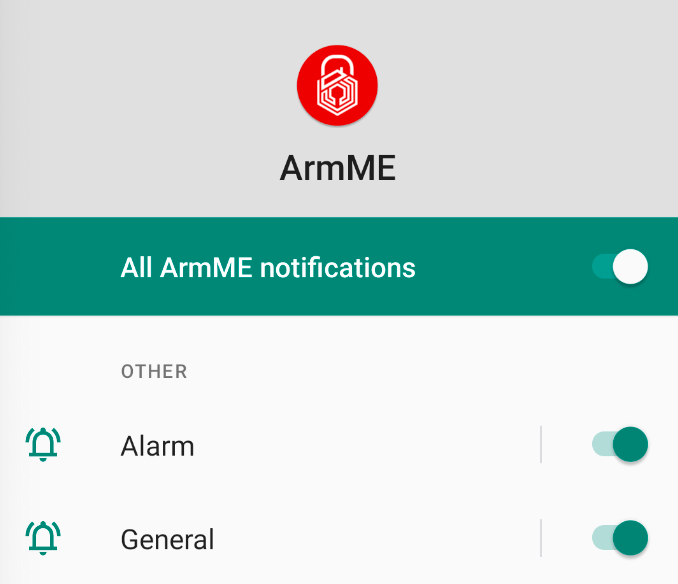
Look for 'Alarm' and 'General' notification settings.
Ensure both are enabled to play sound. On some devices, you may have a setting to ignore 'Silent' or 'Do Not Disturb' mode. Enable this setting to make sure notification sounds are played when your device is put on 'Silent'/'Do Not Disturb'
If your Android smartphone has a setting to enable/disable "Lock Screen Notifications" please ensure that it is enabled. In some Android smartphone models, the alarm siren will not sound if the phone is locked while the "Lock Screen Notification" setting is disabled.
* These steps required may differ slightly across different smartphone brands.
Was this article helpful?
That’s Great!
Thank you for your feedback
Sorry! We couldn't be helpful
Thank you for your feedback
Feedback sent
We appreciate your effort and will try to fix the article