If you have a Huawei device that uses Huawei Mobile Services (HMS) instead of Google Play services and are experiencing issues with notifications the following steps may help.
1. Ensure that HMS Core is installed and has the latest update
Open up Huawei AppGallery, search for HMS core, and update it if necessary. Alternatively, you can open the HMS core app settings: enable automatic updates, or check for new updates.
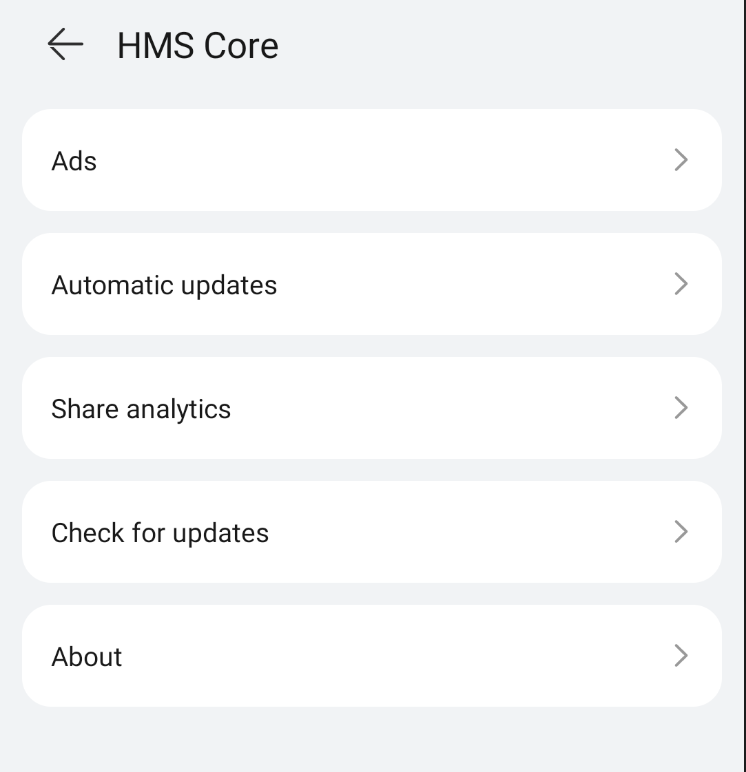
2. Accept HMS Core user agreement
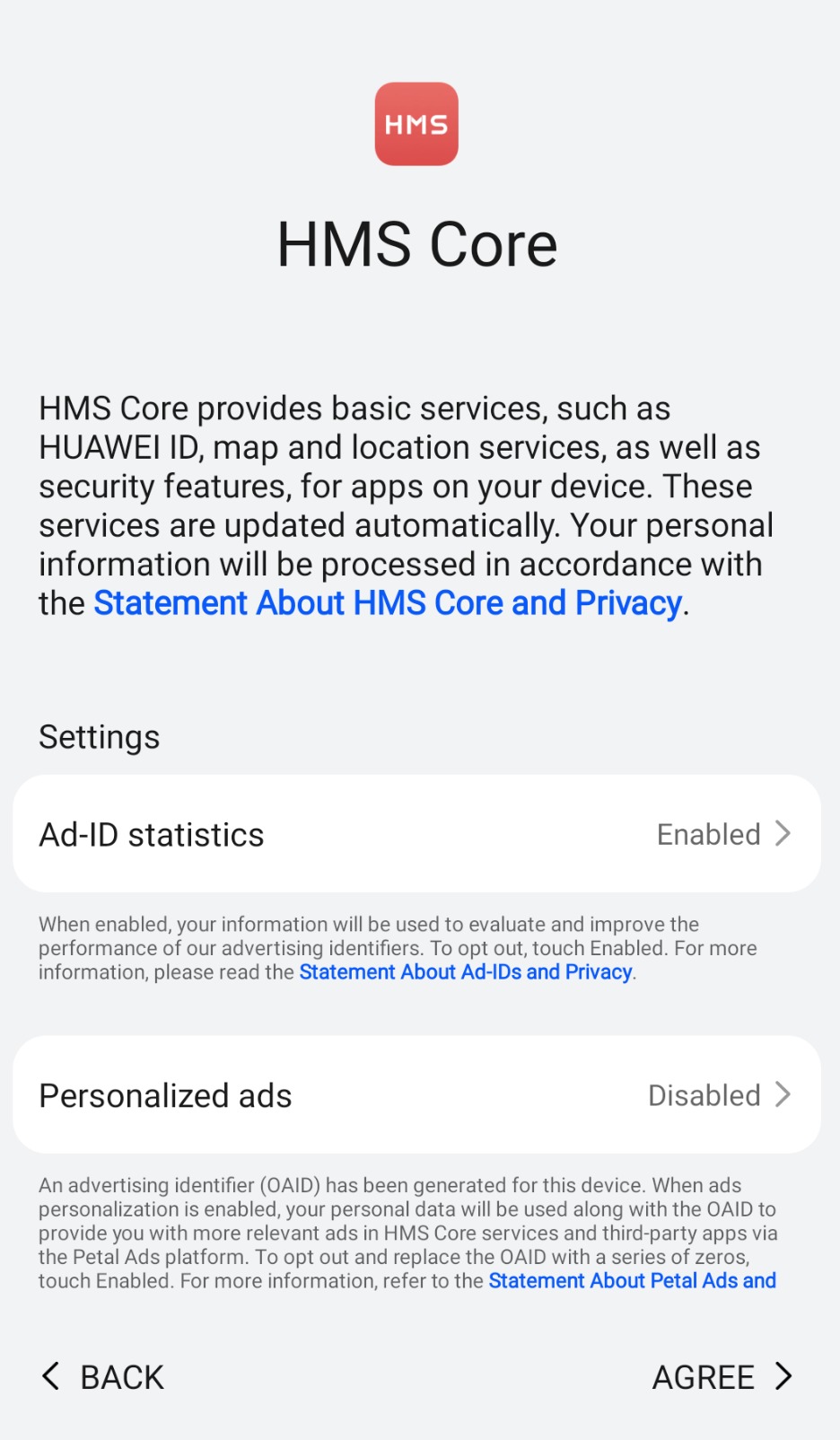
Once you have installed or updated HMS Core you may need to accept an End User License Agreement. You may see a similar notification in your notification tray:
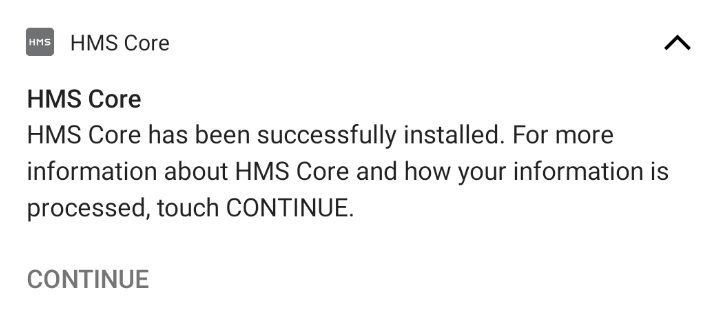
Tapping on the notification will open up the HMS Core agreement
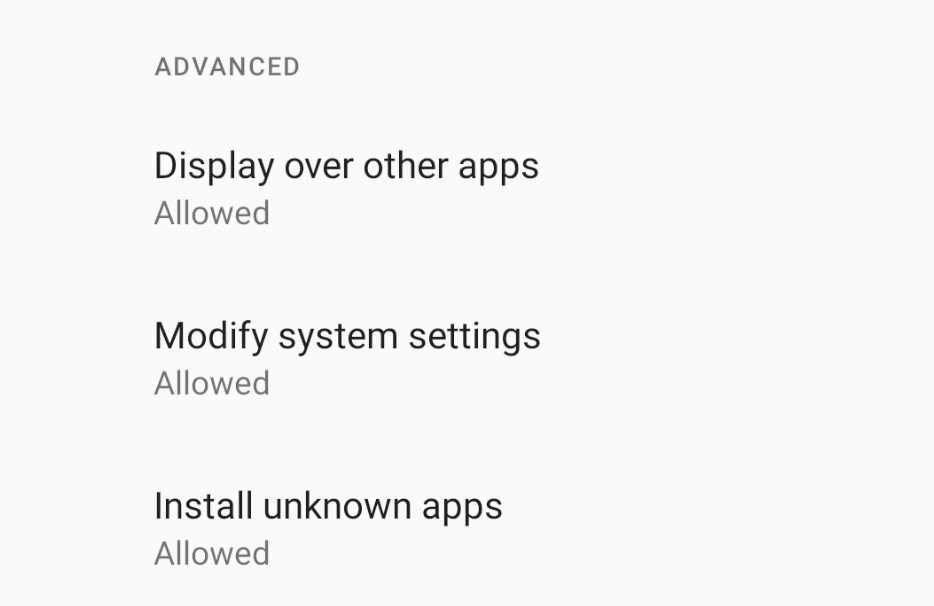
3. Allow HMS Core to install apps and modify system settings
Enable the following advanced permissions in the HMS Core app settings
4. Close and reopen the security app
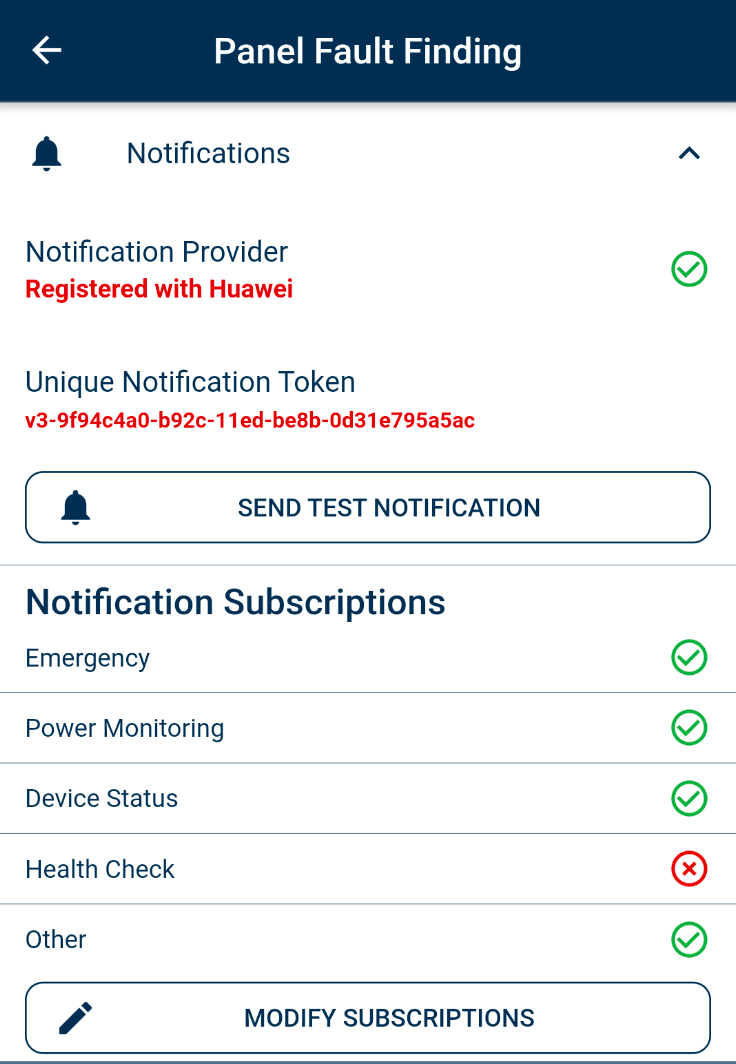
Restarting the security app allows it to register a notification token on HMS. Open up your alarm panel, then tap the hamburger menu button on the top left. Scroll down and open 'Panel Fault Finding'. Confirm that your device has successfully registered with Huawei as a notification provider. Enable notification subscriptions that you want to receive by tapping on 'Modify Subscriptions'
Was this article helpful?
That’s Great!
Thank you for your feedback
Sorry! We couldn't be helpful
Thank you for your feedback
Feedback sent
We appreciate your effort and will try to fix the article