To gain the full features of the security app, contact your security company to enquire about installing a serial cable on your Falcon device.
This is what the serial cable looks like:
You will also need a mod chip that matches the type of alarm panel you have.
Some programming may be needed on the alarm panel to allow it to communicate with the Falcon communicator over the serial cable.
Ensure that the correct serial protocol is selected on the falcon device.
Once the setup is complete you should have the full set of capabilities on your security app.
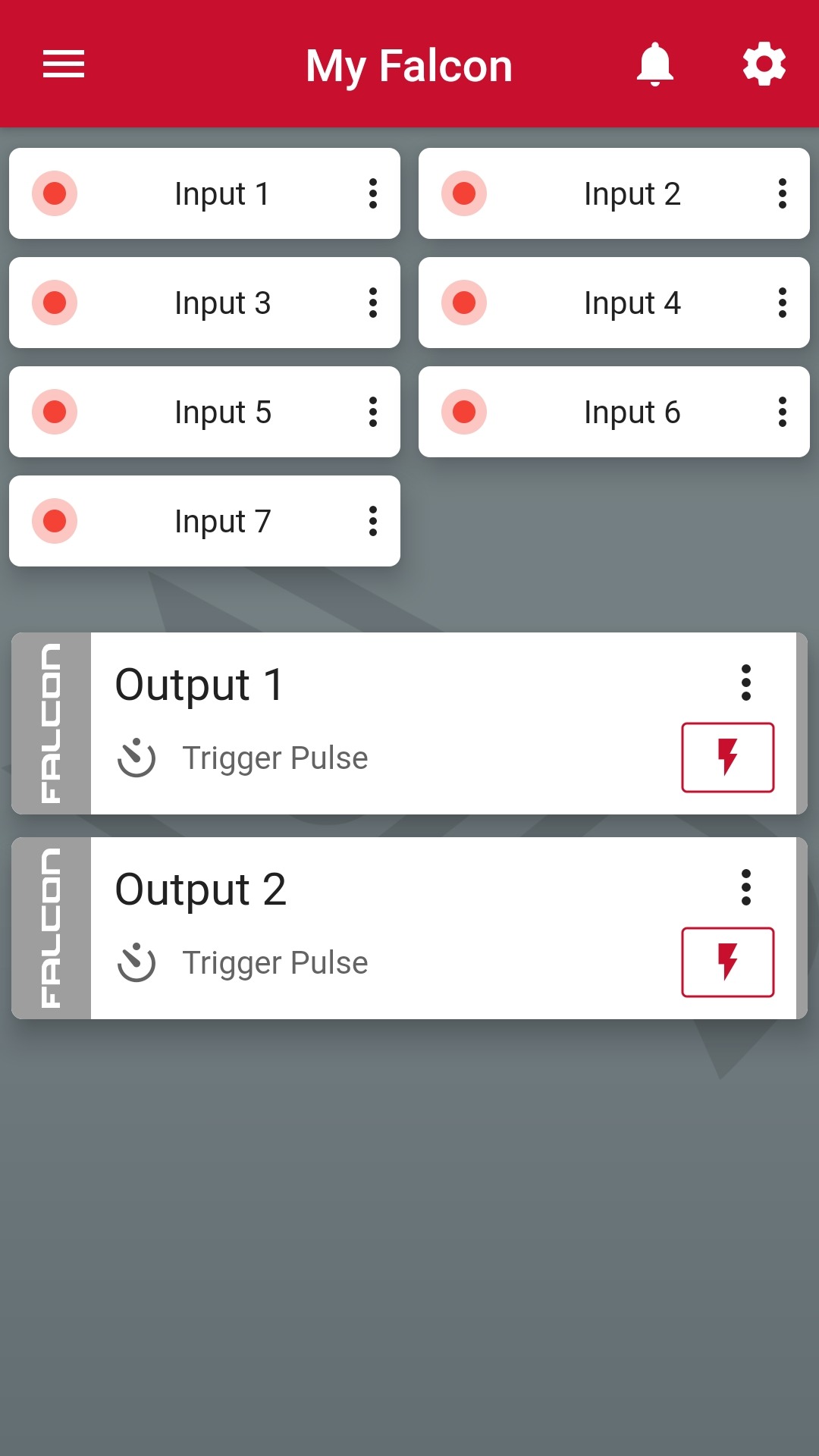
This is the app UI without a serial connection
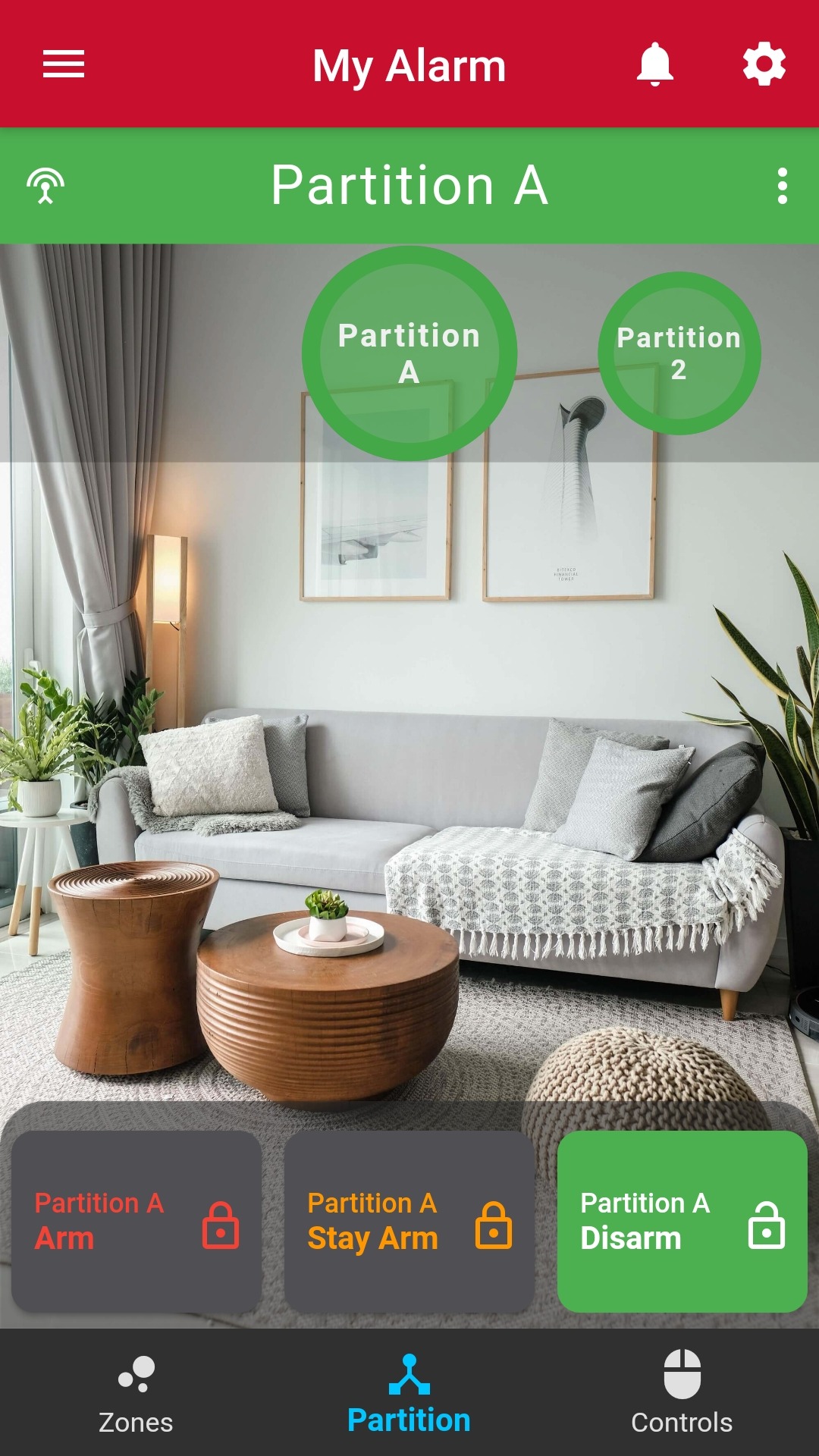
And this is the app UI with a serial connection.
If your app does not display correctly after the serial cable has been installed please contact support to ensure that your device type has been changed accordingly.
Was this article helpful?
That’s Great!
Thank you for your feedback
Sorry! We couldn't be helpful
Thank you for your feedback
Feedback sent
We appreciate your effort and will try to fix the article