To Delete a User Account, please follow these steps:
Step 1: Open up the App and Sign In.
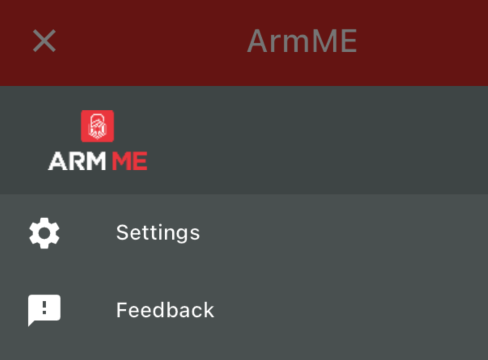
Step 2: Click on the Hamburger Menu.
Step 3: Click on the Settings (The on with the "gear" icon) button.
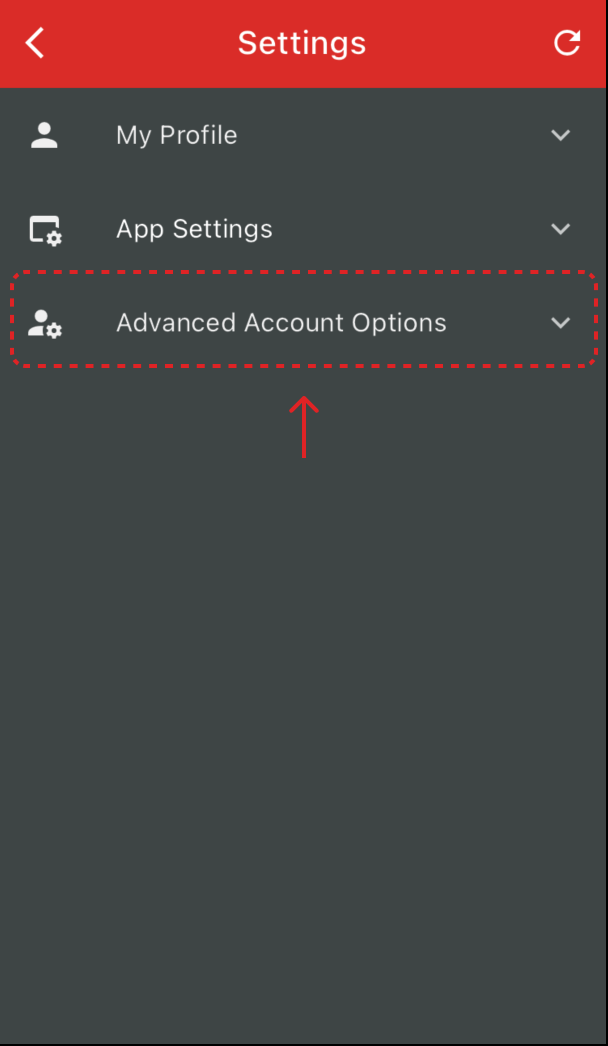
Step 4: Expand the Advanced Account Options section
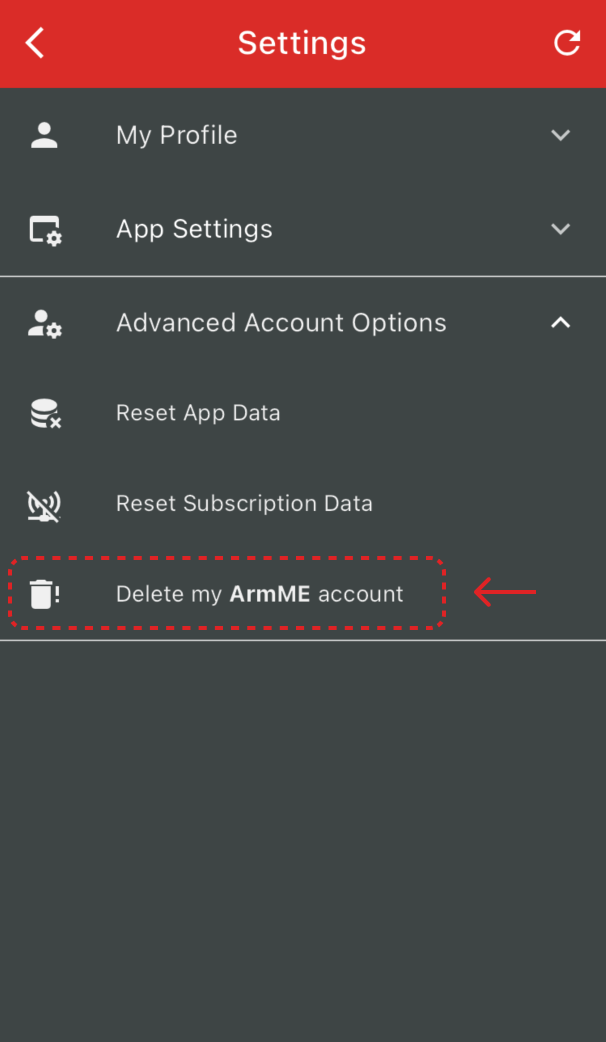
Step 5: Click on Delete my ArmME account button
Step 6: Confirm your action by clicking on I'm Sure (Please read the message before you confirm this step).
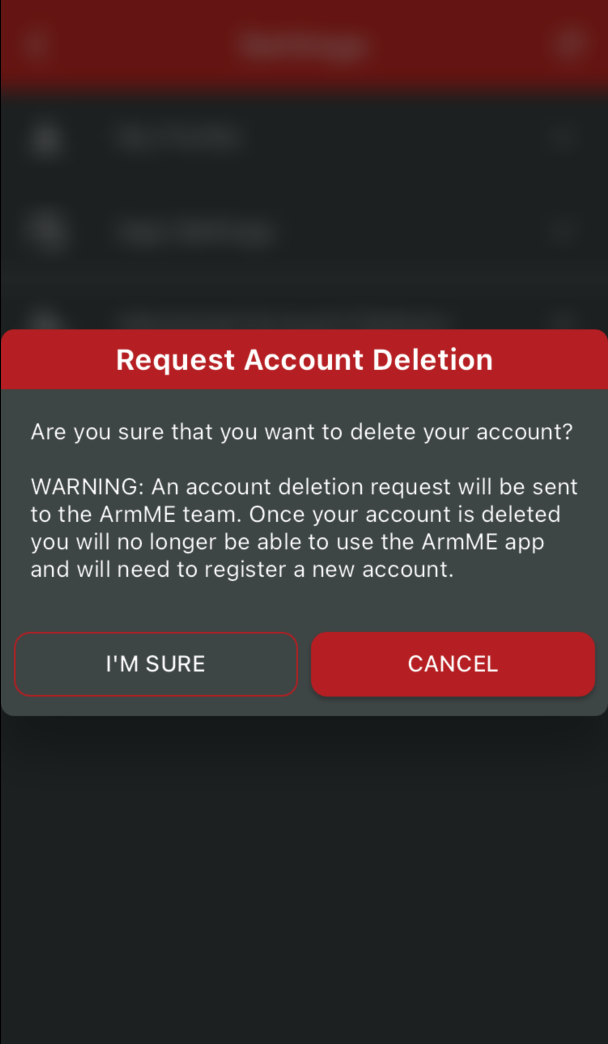
NOTE: Once your account is deleted you will no longer be able to use the ArmME app and will need to register a new account.
Was this article helpful?
That’s Great!
Thank you for your feedback
Sorry! We couldn't be helpful
Thank you for your feedback
Feedback sent
We appreciate your effort and will try to fix the article