A technician's access to devices is limited to the companies they are linked to and approved in.
To link to a company:
Go to the Profile Tab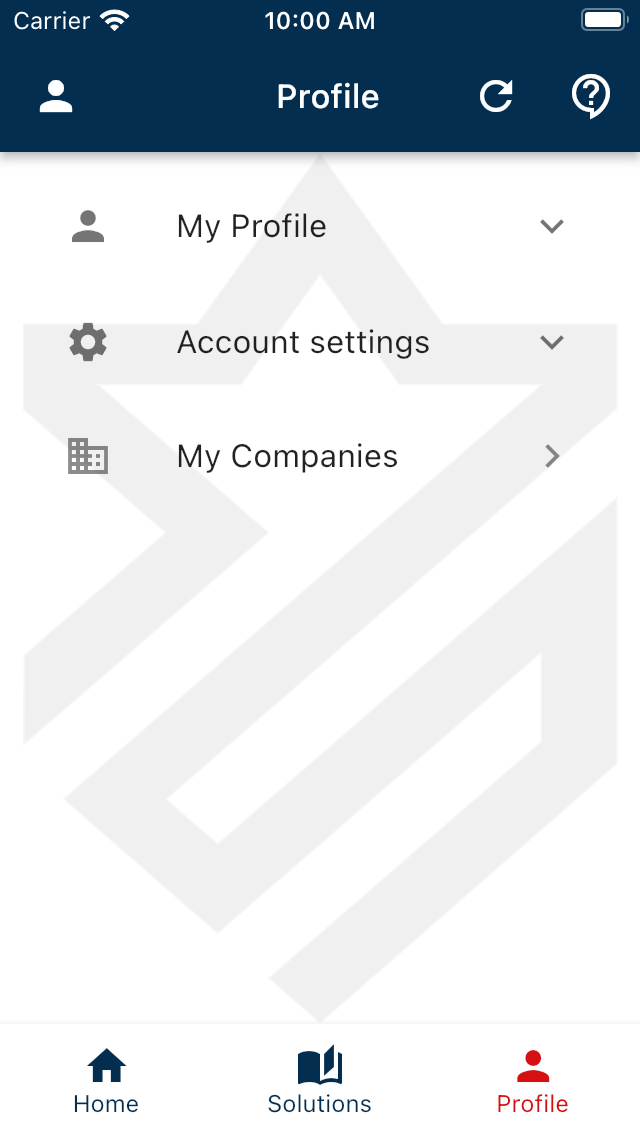
Tap on My Companies to view already linked companies
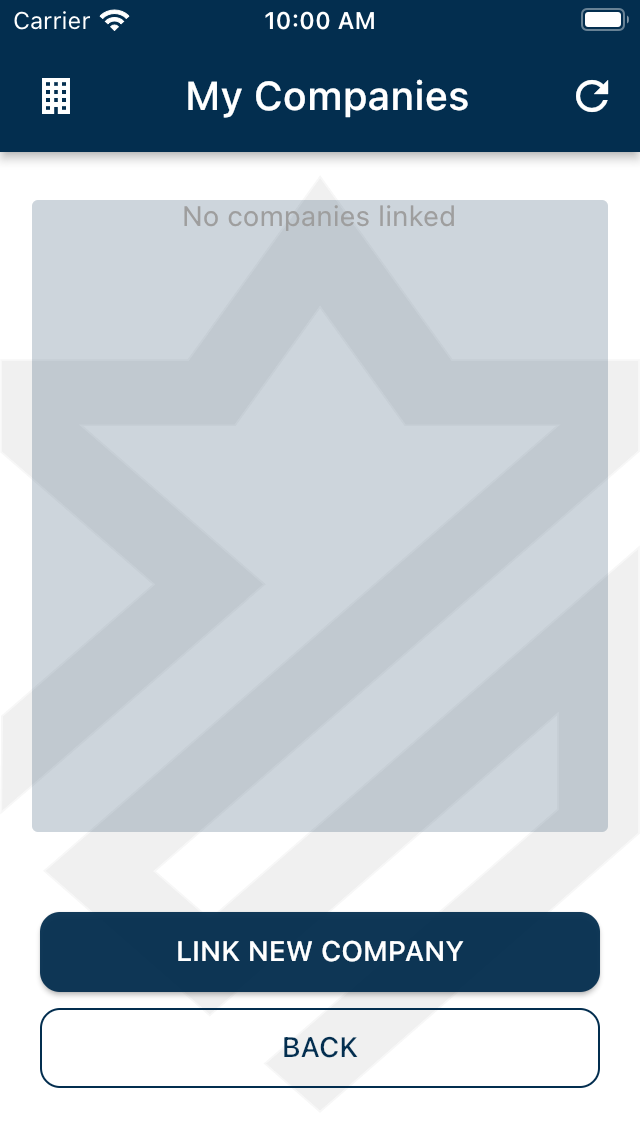
Tap the Link New Company to link a new company.
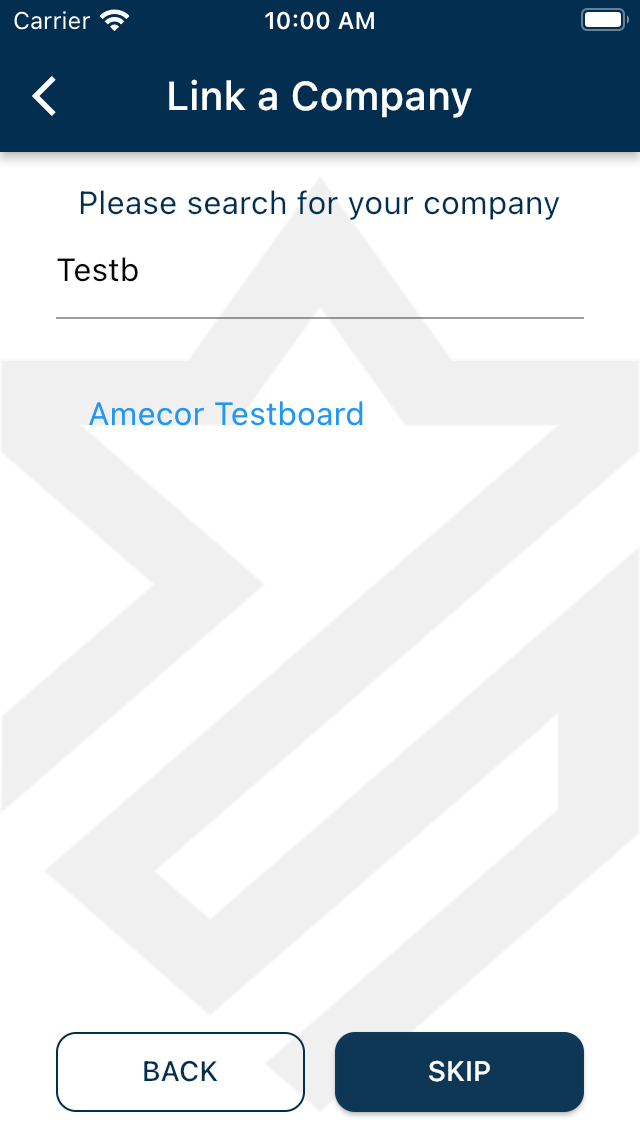
Search for and select your company. If your company is not found please contact your company's administrator to get the correct company name or to add the company to Amecor Pro.
 Then select the company bases you would need access to
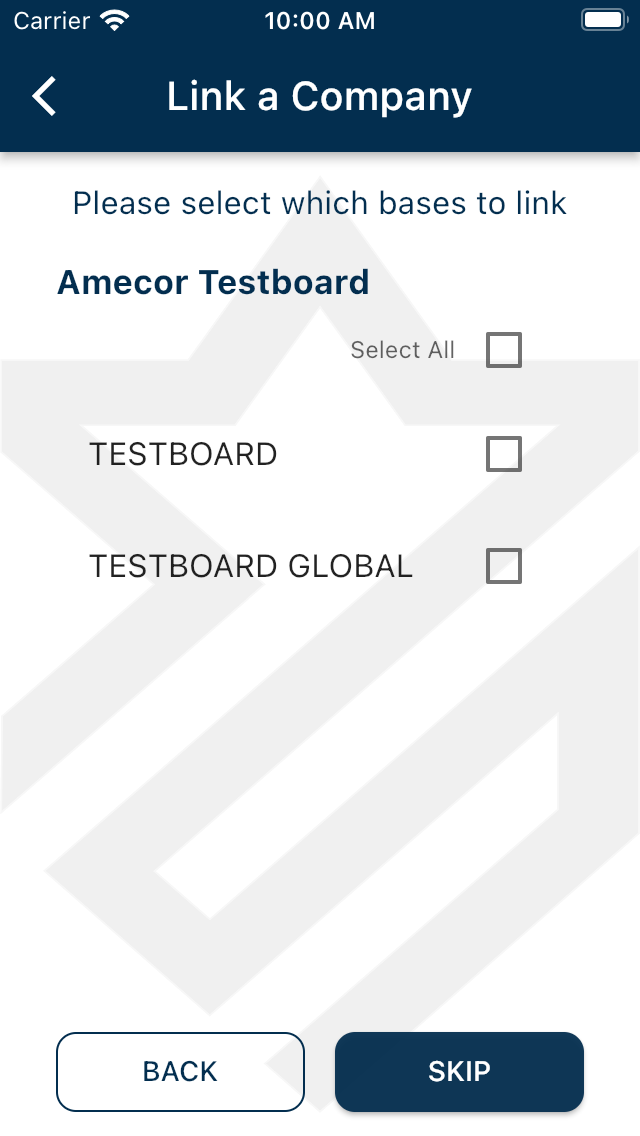
Once selected, continue to view the company details before submitting.
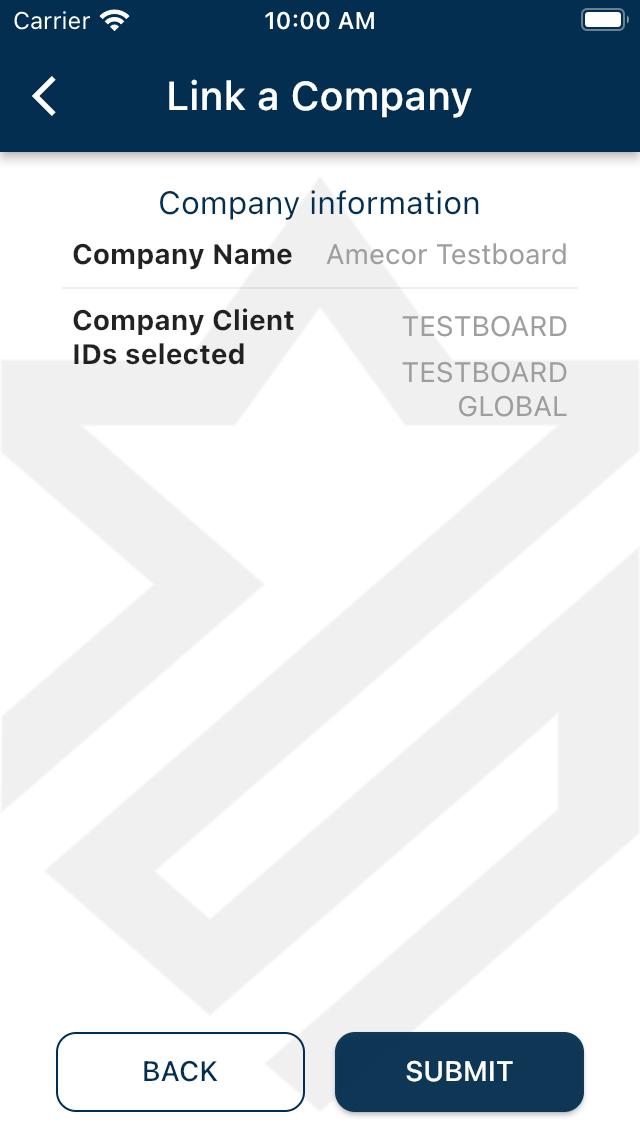
Once your request is sent, your company administrator will need to approve the request before access to the company's devices are granted.
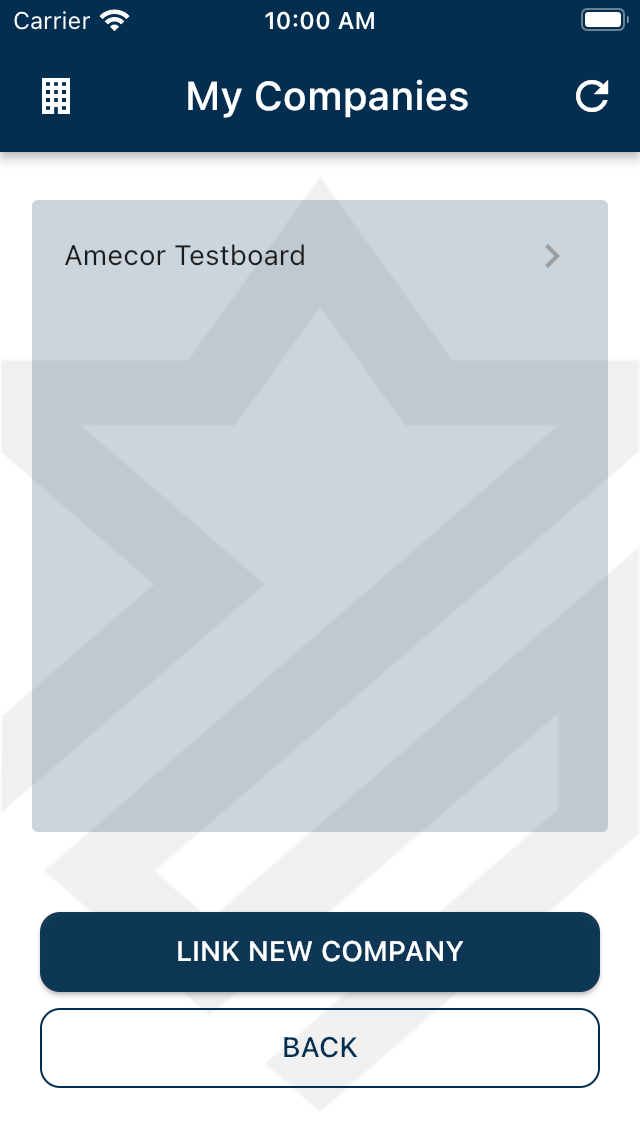
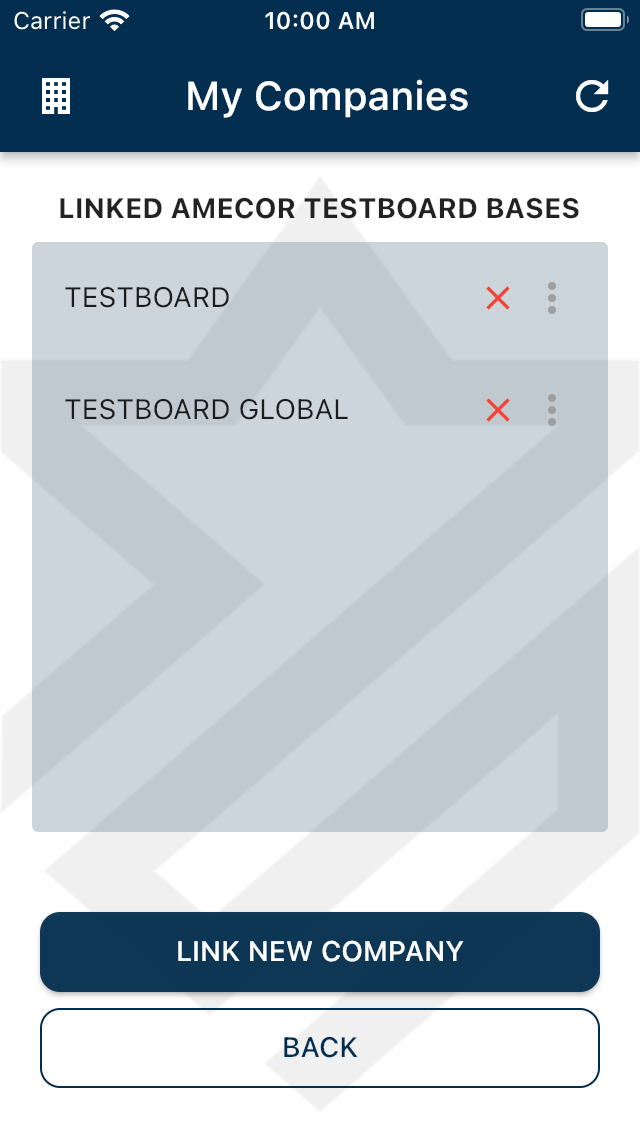
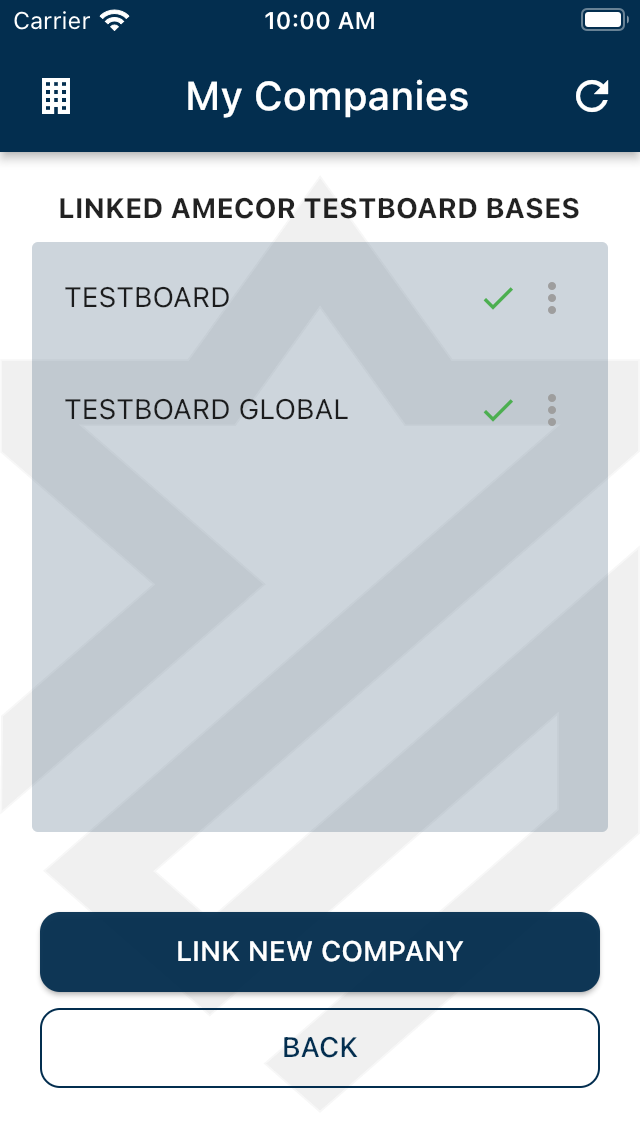
Once access has been granted you will be able to install devices on your company's bases.
Was this article helpful?
That’s Great!
Thank you for your feedback
Sorry! We couldn't be helpful
Thank you for your feedback
Feedback sent
We appreciate your effort and will try to fix the article